

Student Success Story
Developing Skills That Last: Lucy Donoghue’s Experience with SIMnet


Meet Daniel
Daniel Pierse is a Global Commerce student at the University of Galway, studying subjects including microeconomics, macroeconomics, management accounting, financial accounting, and data science.
As he considers a future career in finance or auditing, he recognizes the growing importance of Excel and other Microsoft applications in both academic and professional settings.
Meet Lucy
Lucy Donoghue is a second-year BComm le Gaeilge student at the University of Galway. Coming into university, she describes herself as having “little to no knowledge” of Excel and as someone who traditionally preferred learning with pen and paper.
Through her Information Management for Business module, Lucy was introduced to SIMnet and began developing Excel skills that she says she has since used across other areas of her studies.
At a Glance
Institution:
University of Galway
Student:
Lucy Donoghue, 2nd Year Student
Program:
Bachelor of Commerce (Gaeilge)
Product in Use:
SIMnet
Skills Developed
- PivotCharts
- SUM
- VLOOKUP
Building Excel Skills Step by Step
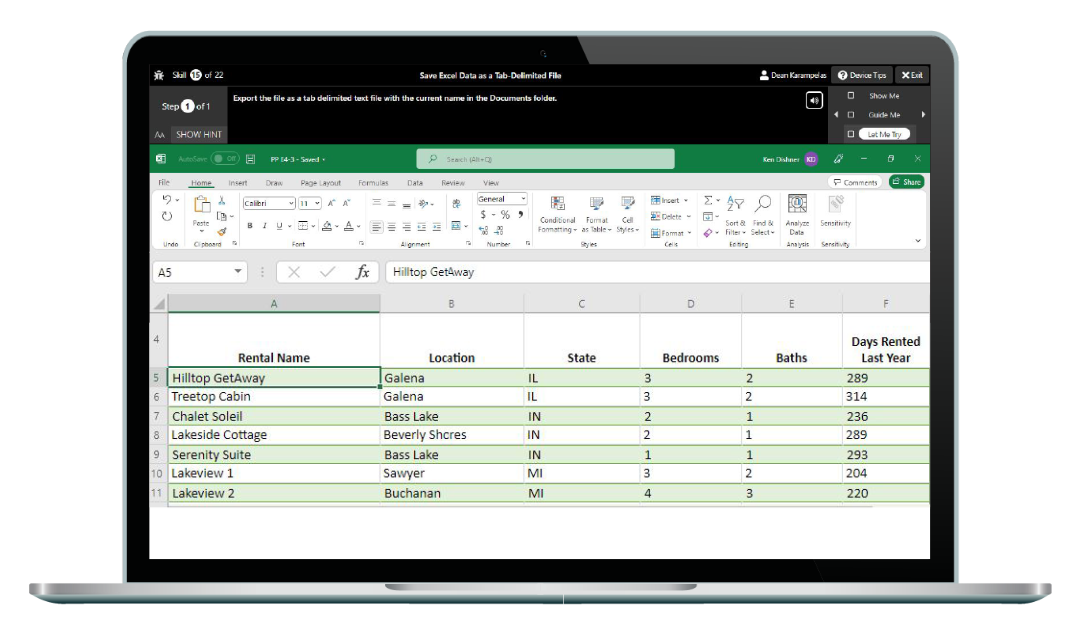
As part of the module, Lucy worked through SIMbooks before completing the final workbook for each level. She highlights three SIMbook features in particular: Show Me, Guide Me, and Let Me Try.
For Lucy, these features provided the opportunity to work through the learning at her own pace.
Lucy completed Essential Skills in Microsoft Excel and Applied Intermediate Skills in Microsoft Excel through SIMnet.
Putting Excel Skills into Practice
After completing her SIMnet training, Lucy says she found opportunities to apply her Excel skills in other subjects.
“Since completing the SIMnet training, I have found various uses for my newfound Excel skills, such as creating and analyzing pivot charts in Microeconomics, and using the ‘Sum’ and ‘V-lookup’ tools in Data Science and Management Accounting.”
Growing Confidence with Excel
Reflecting on her experience, Lucy says developing her Excel proficiency has changed how she approaches the software.
"Being a traditional ‘pen and paper learner’, Excel skills were not a priority for me, however since completing the SIMnet course, I can definitely say that my improvement in Excel proficiency has enhanced both my confidence with Excel and the efficiency of my work."
Recognizing Progress with Digital Badges
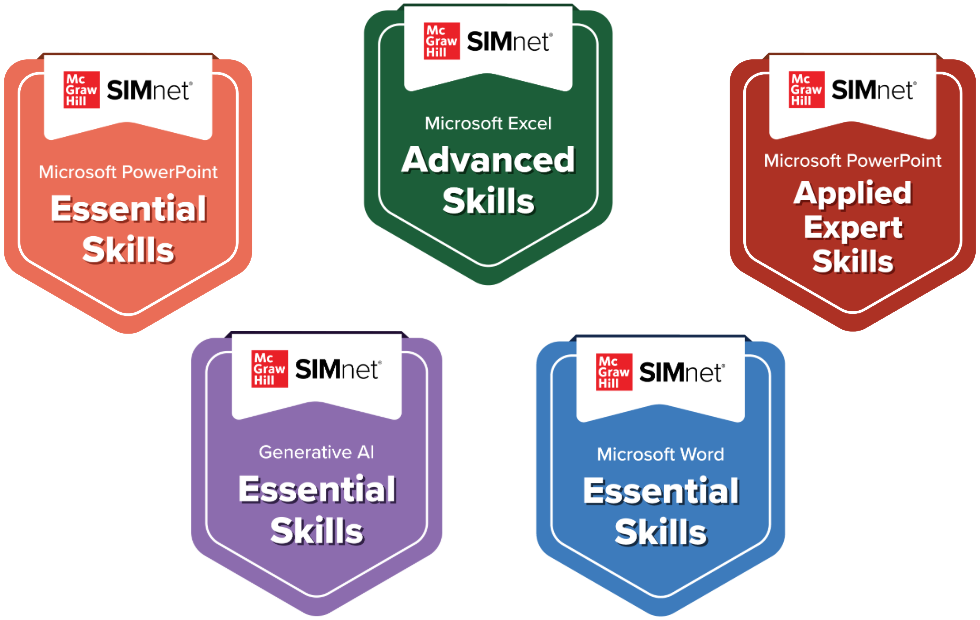
Another part of the experience that stood out to Lucy was earning digital badges as she progressed. She describes the badges as something she could add to her LinkedIn profile to represent her level of Excel proficiency.
"The digital badges are essentially certificates that you can add to your LinkedIn profile to convey your level of Excel proficiency, which I found especially rewarding.”
Revisiting Learning for Revision
For Lucy, completing the courses wasn’t the end of her experience with the learning materials. She says she was able to return to the SIMnet courses after completing them and used them to revise her Excel knowledge over the summer.
“I completed the ‘Essential Skills in Microsoft Excel’ and the ‘Applied Intermediate Skills in Microsoft Excel’ courses and was able to re-enforce my knowledge of Excel through revising the courses over the summer.”